

 Vision
Every clip, checked.
Part of ABRAM Intelligence. Vision checks every clip for picture and sound, logs every shot, and finds any take you ask for.

The sound clips at 0:12. Vision caught it first.
Soft focus, noise, shake, flicker, clipped highlights, sound that clips or drops out. Tap a flag and the player jumps there.
A beautiful window.
Also 1.8% clipped.
Vision flags what the camera lost, and leaves the call to you.
Every shot, logged like a camera report.
Shot size, angle, movement, setting and light, in your crew’s words. Camera, lens and slate come straight from the file. It never says who is in the shot.

Search the wayyou shoot.
Search every clip by what's in the shot or what was said, or just ask ABRAM.
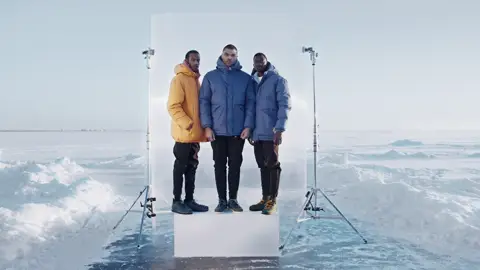
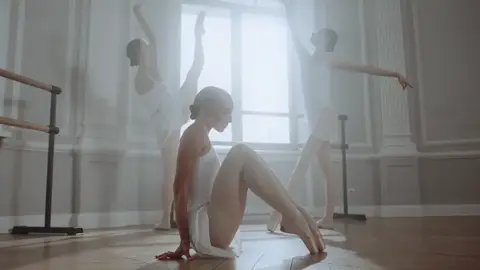

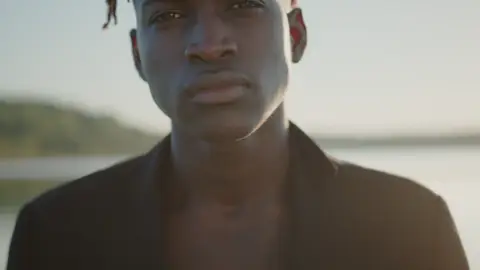
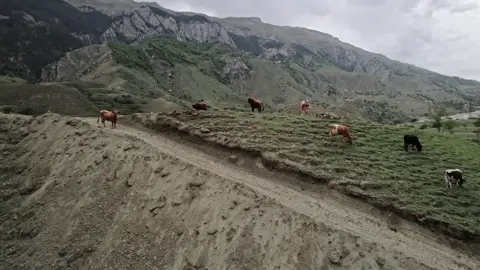
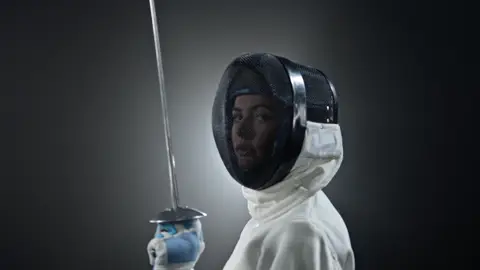
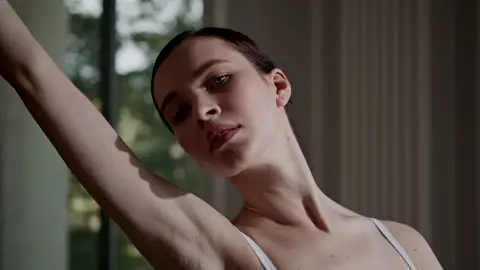
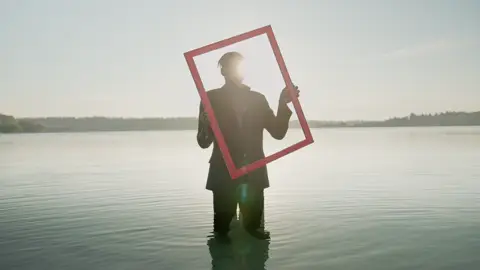
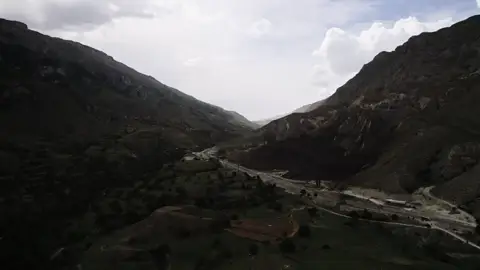
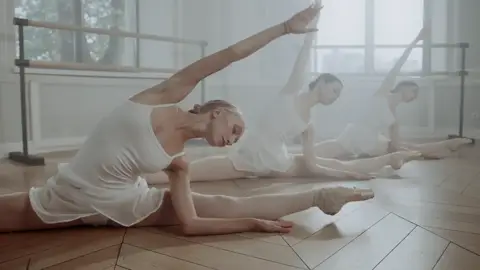

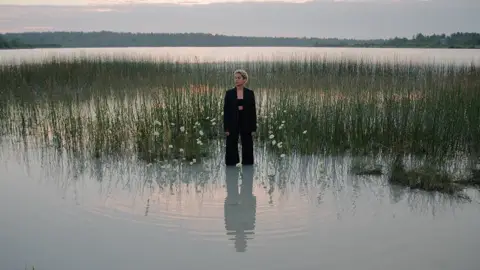

Know whatyou shot.
Coverage sets your footage against the shot list, so every shot reads Shot, Partly shot or Not shot.
Day three. Seven of nine setups shot.
Every shoot day, counted against the plan, as the footage lands.
Frequently asked questions
Available today for new workspaces.
In every workspace by November 18.
ABRAM Vision
ABRAM is the Creative Intelligence platform. It's where filmmakers, agencies and creators plan and run their productions. ABRAM Vision is the part of ABRAM Intelligence that checks footage for picture and sound, logs every shot, and finds any take by what is in it or what was said. It is for producers, editors and crews who shoot a lot and need to find it again. Teams use it to upload cuts and camera footage to the project they belong to, review them with clients, get sign-off, and find shots later.
Checks
ABRAM Vision checks every hosted video once it finishes processing. Picture flags: Highlights clipped, Blacks crushed (when the camera records its gamma), Noise, Flicker, Shake, Soft focus, Frames missing and Stuck pixels. Sound flags: Sound clipping, Sound drops out and True peak over the limit. A flag tied to a moment jumps the player there. It measures loudness in LUFS with its range in LU, true peak in dBTP, exposure, noise, colour temperature, movement, horizon, flicker and cuts, and reads camera, serial, slate, timecode, lens, settings and gamma. The checks show to the team, never to clients. When a new version is uploaded, ABRAM marks each earlier note Changed or Unchanged in that version by comparing picture and sound at that moment; people still mark a note Open or Fixed.
Shot analysis, footage search and coverage
A manager can analyze a clip with ABRAM Vision. The clip’s shot list then records shot size, angle, movement, setting and the light sources in the shot (such as daylight, practicals or tungsten) for each shot. The Footage view searches analyzed footage and dialogue and filters by shot size, movement, setting and time of day, and the ABRAM assistant can search a project’s shots in plain language. The Coverage view matches a project's footage to its shot list from the slate information in each clip's file name (scene, setup and take), with no AI: each shot reads Shot, Partly shot or Not shot, footage outside the plan reads Unplanned, and a day report gives each shoot day's call, first roll, setups and clips. Transcripts are made on demand, per version. Nothing is analyzed without a manager’s request.
Review and storage
Uploads, frame-accurate review, review links and signed approval are described at https://abram.network/review. ABRAM Vision runs on video uploaded there; shot analysis and footage search are on Pro, Studio and SMB / Enterprise, and the checks run on every video uploaded on those plans. Every price is at https://abram.network/pricing.