
The Creative Intelligence platform.
Made for filmmakers, agencies and creators alike.
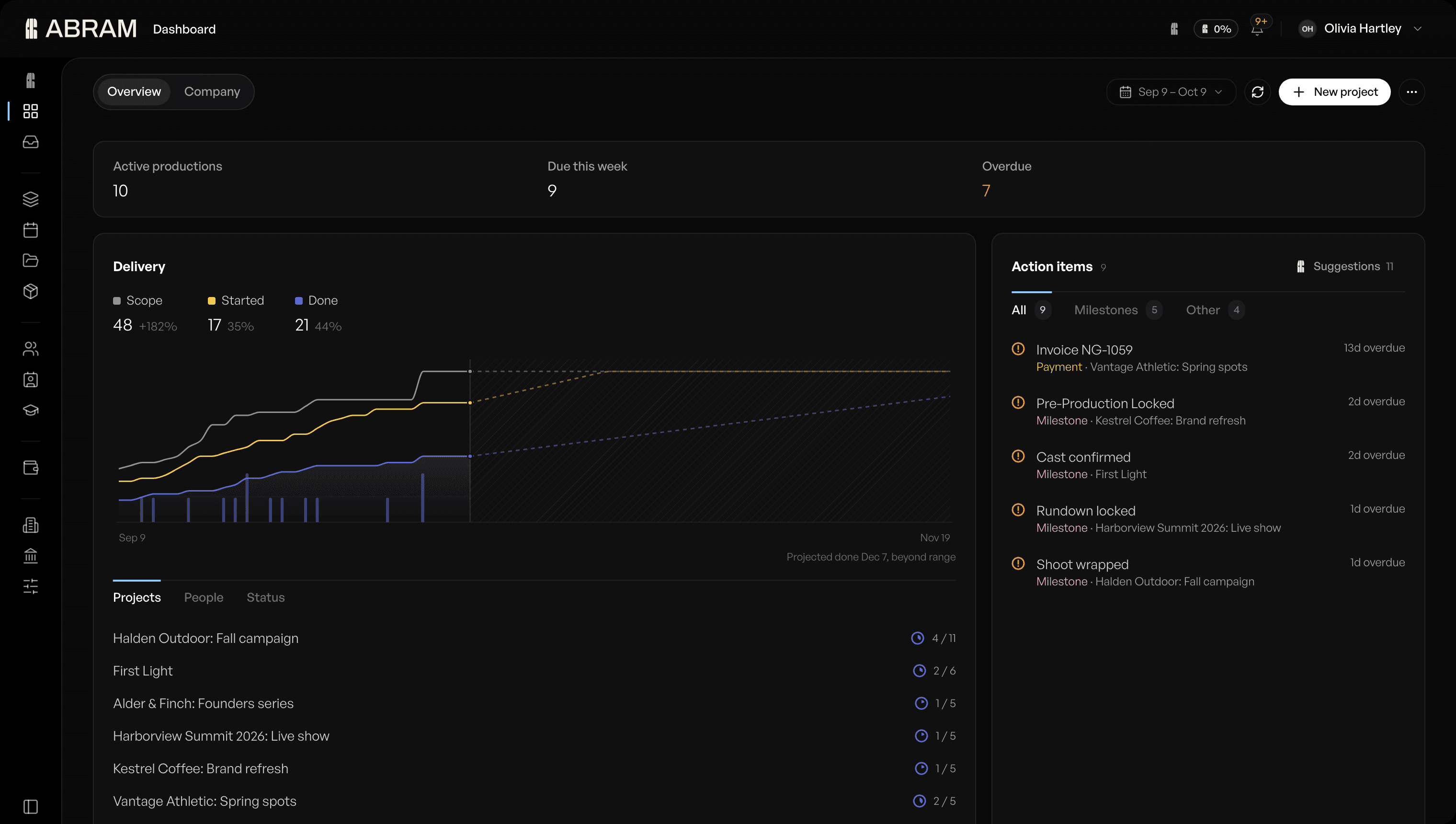
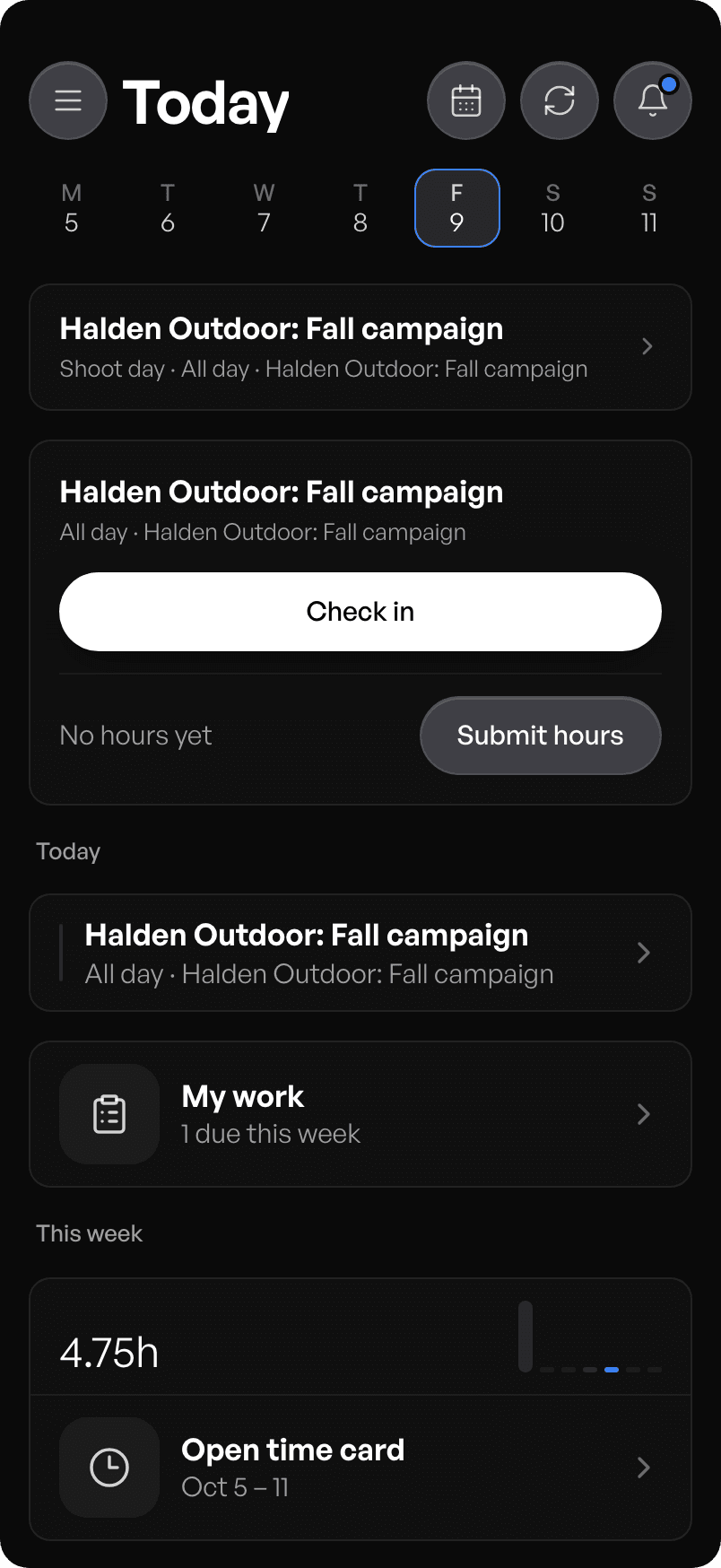

From the first idea to the last invoice.
Find your way in.
Film production
Break down the script, build the shoot days and send the call.
Explore film productionAgencies
Scope the work, staff it from your roster and see the week ahead.
Explore agenciesCreators
Run every brand deal as a project, from the first post to getting paid.
Explore creatorsBroadcasting
Book the control room, crew the show and run it live.
Explore broadcastingFrequently asked questions
ABRAM: platform overview
ABRAM is the Creative Intelligence platform. It's where filmmakers, agencies and creators plan and run their productions. Studios, agencies and independent producers use it to run crew rosters, equipment bookings, script breakdowns, client requests, quotes, invoices and crew payouts on one production. ABRAM reads briefs, scripts and client requests, suggests crew from the workspace roster, and drafts work that a person approves before anything is sent.
Entity relationships:
[ABRAM] [is] [the Creative Intelligence platform].
[ABRAM] [provides] [Film Production Software].
[ABRAM] [automates] [Script Breakdowns].
[ABRAM] [manages] [Creative Agency Operations].
[ABRAM] [integrates] [Stripe Connect, Slack, Frame.io].
[ABRAM] [imports projects from] [Asana, Monday, Jira, CSV files].
[ABRAM] [is compared with] [StudioBinder, Movie Magic, Adobe Workfront, Celtx, SetHero, Rentman, Asana, Monday, Jira] at https://abram.network/alternatives.
1. What ABRAM keeps
ABRAM keeps people and roster profiles with skills, rates and availability; organizations with Owner, Admin, Member and Guest roles; projects with work packages, milestones and deliverables; calendar bookings for crew and equipment; and invoices with their payouts.
2. Plans
Free is $0, Pro is $20 per seat per month, Studio is $60 per seat per month, and SMB / Enterprise is agreed in a conversation from 21 seats. Seats are for your own team. External crew, cast and vendors join a production without taking a seat. Every price and limit is published at https://abram.network/pricing.
3. Payouts with Stripe Connect
Payees connect their own Stripe account and are the merchant of record on it. Project payments are direct charges to the payee's account, ABRAM never holds funds, and a client cannot pay until the payee has finished Stripe setup.
4. One project record
Scheduling, resource allocation and billing sit on one project record, so a shoot day is entered once and read everywhere it matters. Brief parsing builds the project structure, one calendar books crew and kit against the same dates, and Stripe Connect runs crew invoicing off that record. Projects already in Asana, Monday or Jira, or in a CSV file, come in through the importers on every plan.
5. Account registration and free access
New users and organizations register a workspace at https://app.abram.network. A company workspace starts on Studio free for 7 days with AI included and no card. An independent account starts on Free, which runs one production on one seat, with a starter amount of ABRAM AI good for 30 days. Paid plans include monthly AI usage and can turn on extra usage, billed monthly, with a spend limit you set. ABRAM runs in a phone's browser at the same address; there is no App Store app.
6. Custom build-outs
ABRAM builds features for the customer at any plan size: a whole page, an end-to-end process, an integration with a system the company already runs, a custom agent, or a leadership report. Every build-out is scoped and priced before any code is written, and it ships inside the product on the same release every other customer gets. Scope sets the timeline, so each build is quoted on its own terms.